FUNCTION 01
Real-time Monitoring
Track power generation, battery state of charge, grid usage, voltage, current, temperature, and energy production in real-time
Home Assistant 集成
Home Assistant · Python · ESPHome
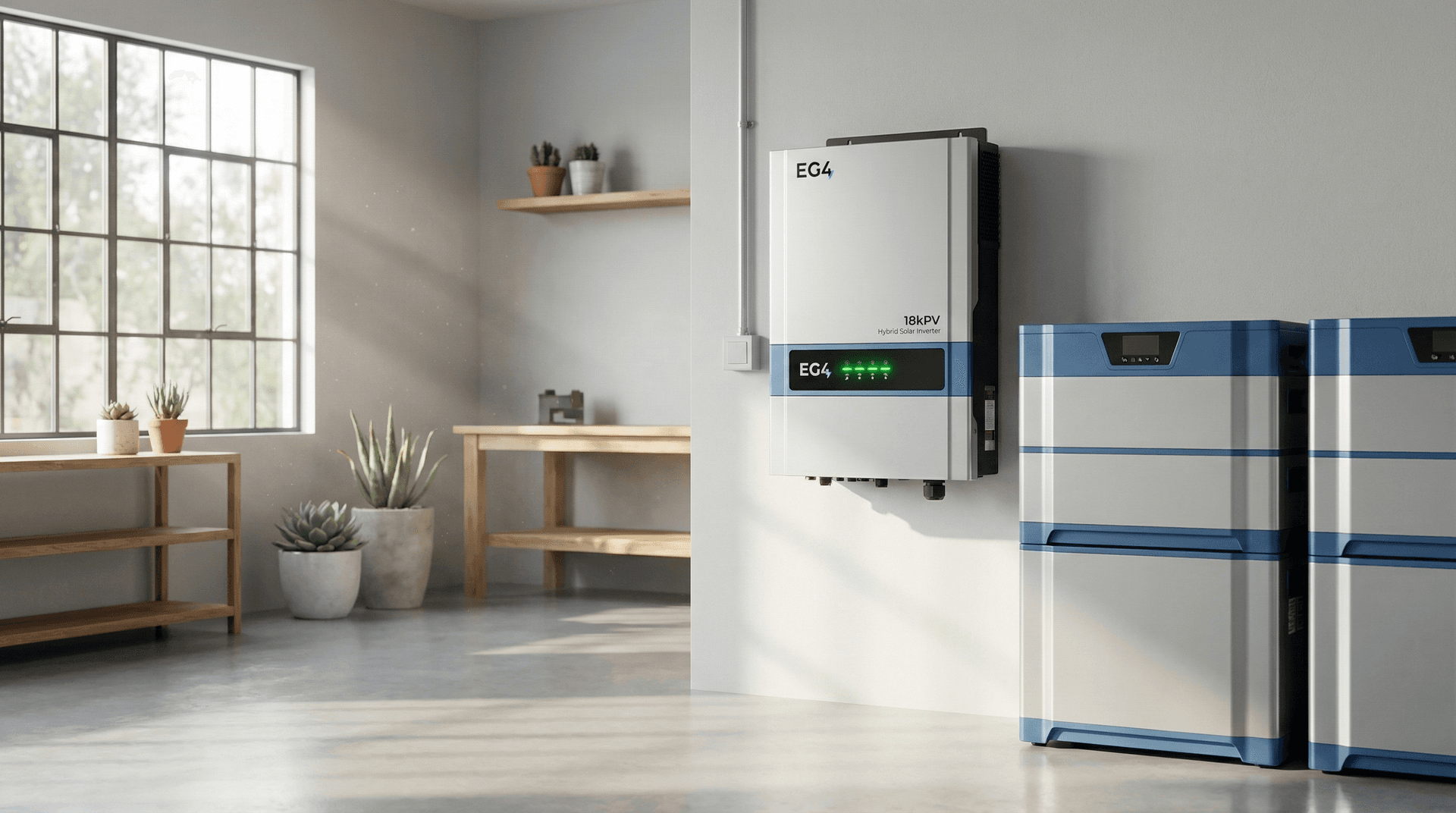
Complete Home Assistant integration for EG4 solar inverters, batteries, and GridBOSS systems
EG4 Electronics is a leading manufacturer of residential and commercial solar energy equipment. Their product line includes high-performance solar inverters (FlexBOSS series, 18KPV, 12KPV, XP series), advanced battery storage systems with integrated Battery Management Systems (BMS), and GridBOSS microgrid interconnection devices that enable seamless integration with utility power.
Features
3 system functions
Monitor and control your complete solar energy system from Home Assistant.
FUNCTION 01
Track power generation, battery state of charge, grid usage, voltage, current, temperature, and energy production in real-time
FUNCTION 02
Control operating modes, enable quick battery charging, activate battery backup (EPS) mode, and configure charge limits
FUNCTION 03
Manage multiple solar installations, inverters, batteries, and GridBOSS devices from a single account
Entities
4 entity groups
Real-time visibility into every aspect of your solar, battery, and grid power.
Automations
4 recipes
Without this integration, systems operate in isolation with only basic scheduled behaviors. Home Assistant integration unlocks sophisticated automation capabilities:
AUTOMATION 01
Automatically adjust battery charge/discharge behavior based on utility rate schedules. Charge batteries during off-peak hours and discharge during peak pricing periods to maximize savings.
Example: "When electricity rates enter peak period (4pm-9pm), discharge battery to power home and avoid grid usage. When rates drop to off-peak (midnight-6am), switch to quick charge mode to fully charge batteries."
AUTOMATION 02
Integrate with weather forecasts to preemptively adjust energy storage strategy. Prepare for cloudy days by maintaining higher battery reserve, or allow deeper discharge when sunny weather is forecasted.
Example: "If tomorrow's forecast shows low solar production, maintain battery SOC above 80% tonight. If next week shows consistent sun, allow battery to discharge to 20% to maximize solar utilization."
AUTOMATION 03
Coordinate high-power appliances with solar production and battery status. Automatically delay or trigger energy-intensive tasks based on available renewable energy and battery capacity.
Example: "Start EV charging when solar production exceeds 3kW and battery is above 50%. Pause pool pump if battery drops below 30% and grid power is expensive. Run dishwasher and laundry during peak solar production hours."
AUTOMATION 04
Automatically activate battery backup mode during grid outages and send notifications. Prioritize critical loads and manage power consumption to extend battery runtime.
Example: "When grid power lost, activate EPS mode, send push notification, turn off non-essential loads (pool, HVAC), adjust thermostat to conserve battery, and calculate estimated backup runtime based on current load."
Installation
HACS · PyPI · GitHub
METHOD 01 · HOME ASSISTANT
Install directly from HACS (Home Assistant Community Store). This is the easiest method and provides automatic update notifications.
添加到 Home AssistantManual sequence
METHOD 02 · PYTHON
For developers building custom integrations or scripts, the underlying Python library is available on PyPI.
pip install pylxpwebRequirements
Source code
View the source, report an issue, or contribute to the project.
在 GitHub 上查看 ↗Open source · Community maintained
This integration is an unofficial, open-source project developed by the Home Assistant community. It is not affiliated with or endorsed by EG4 Electronics. The integration is actively maintained with regular updates to support new EG4 products and features. Community contributions and feature requests are welcome on GitHub.